> For the complete documentation index, see [llms.txt](https://docs.carv.io/llms.txt). Markdown versions of documentation pages are available by appending `.md` to page URLs; this page is available as [Markdown](https://docs.carv.io/carv-ecosystem/verifier-nodes/how-to-purchase-nodes.md).
# How to Purchase Nodes
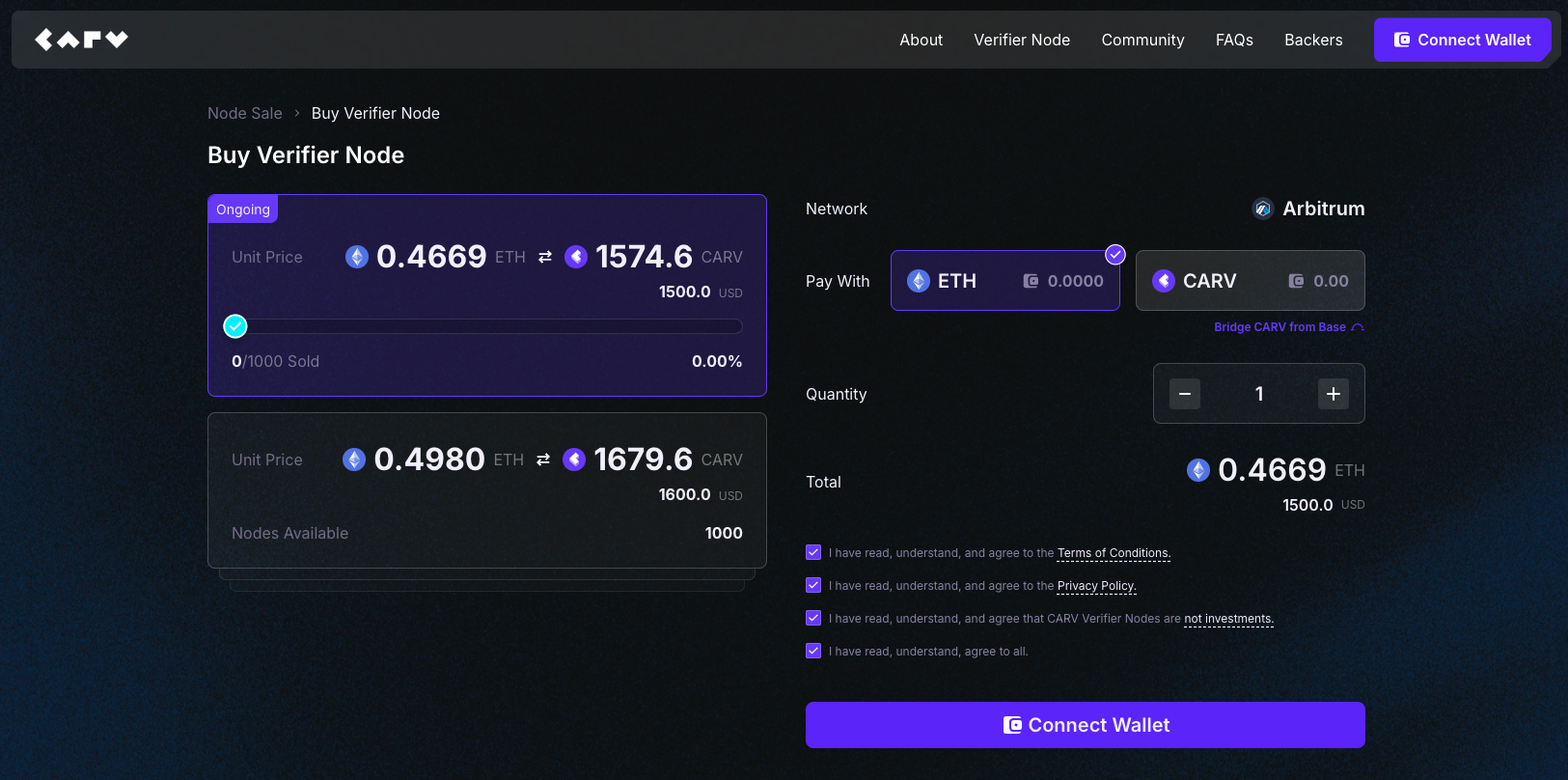
#### **Step 1 - Go to** [**https://node.carv.io/buy**](https://node.carv.io/buy) **and connect your wallet**
#### **Step 2 - Get ETH or CARV and Arbitrum gas tokens**
The CARV Verifier Node Sale will be on the Arbitrum Network. You will need:
* ETH or CARV on Arbitrum network
* ETH for gas fees
{% hint style="info" %}
If you only have CARV on Base network, you can use the token bridge to transfer your CARV tokens to Arbitrum One.\

Enter the amount of tokens you'd like to transfer. Note that there will be a 0.1% fee applied to every transfer in addition to the network fees. The transfer usually take less than a minute.\

{% endhint %}
#### **Step 3 - Select payment option and set the amount of node(s)**
Choose ETH or CARV and enter the number of node(s) that you will be purchasing.
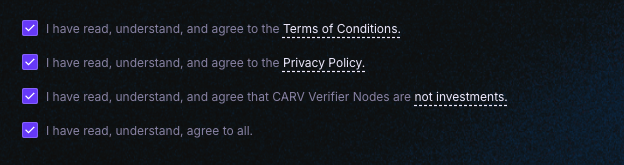
#### **Step 4 - Agree to all the terms, conditions and disclaimers**
#### **Step 5 - Purchase your Verifier Node License**
Click `Buy Now` and approve the transaction in your wallet.
#### **Step 9 - Success!**
After confirming your purchase, you will receive a notification on the top right of the page to inform you on the successful purchase. The License NFT(s) will minted to your wallet within a few minutes.
**Congratulations, you have now successfully purchased your Verifier Node granting you access to operate a node on CARV!**